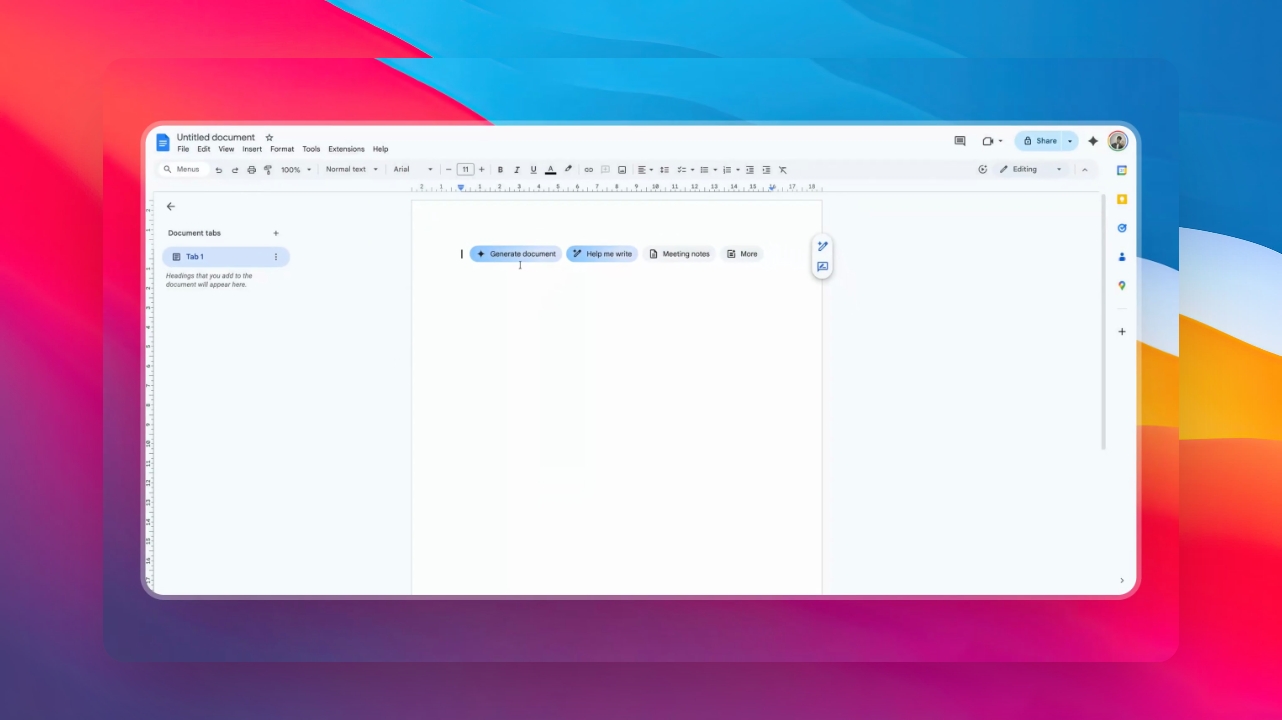

In this video, you'll learn how to make a copy of a Google document step by step. Let's look at the steps:
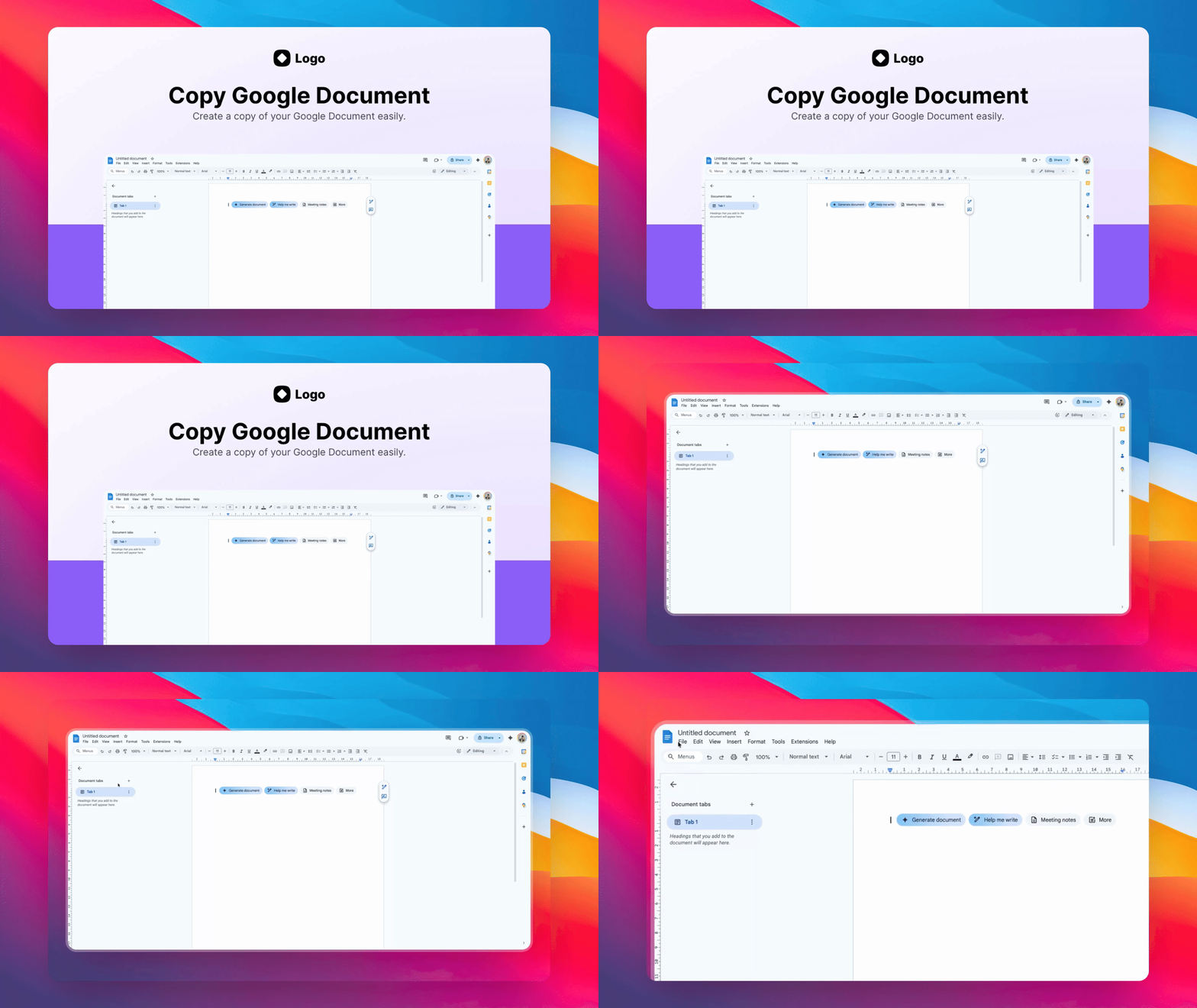
Step 1: Open File Menu
Open the File menu at the top, then select Make a Copy to duplicate this document.
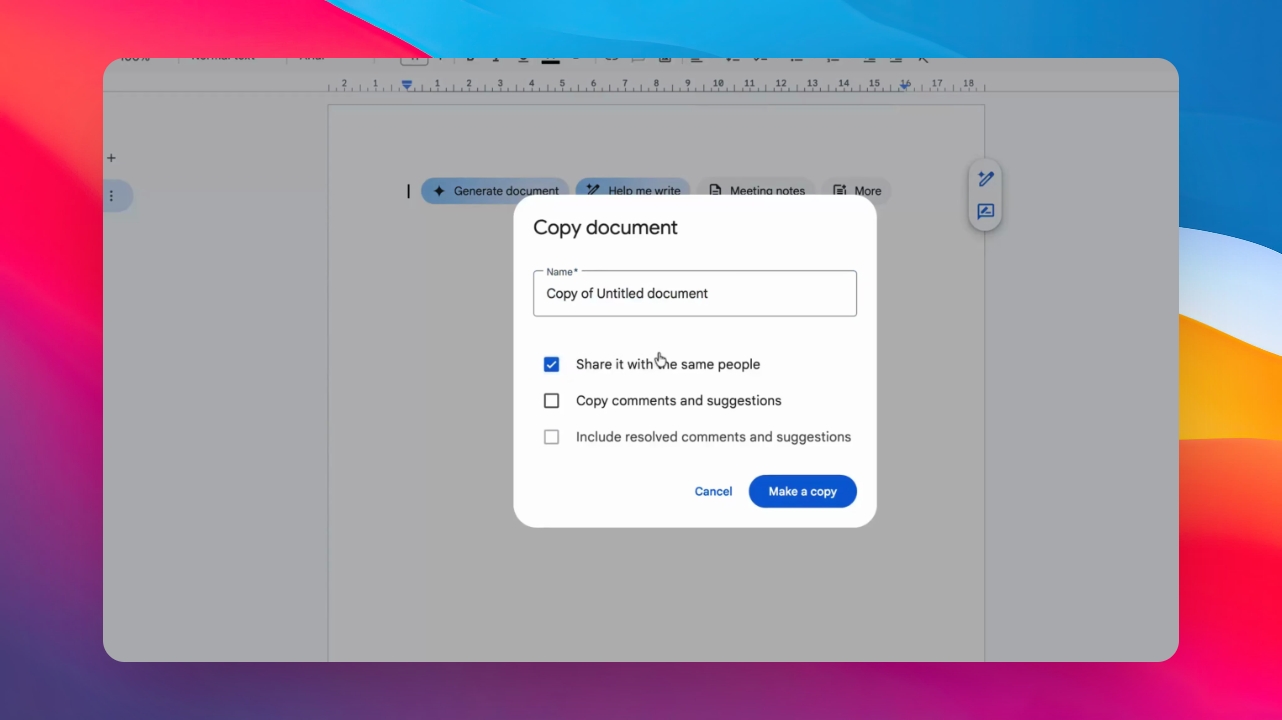
Step 2: Name and Share Options
Enter a name for the copy and choose whether to share it with the same collaborators.
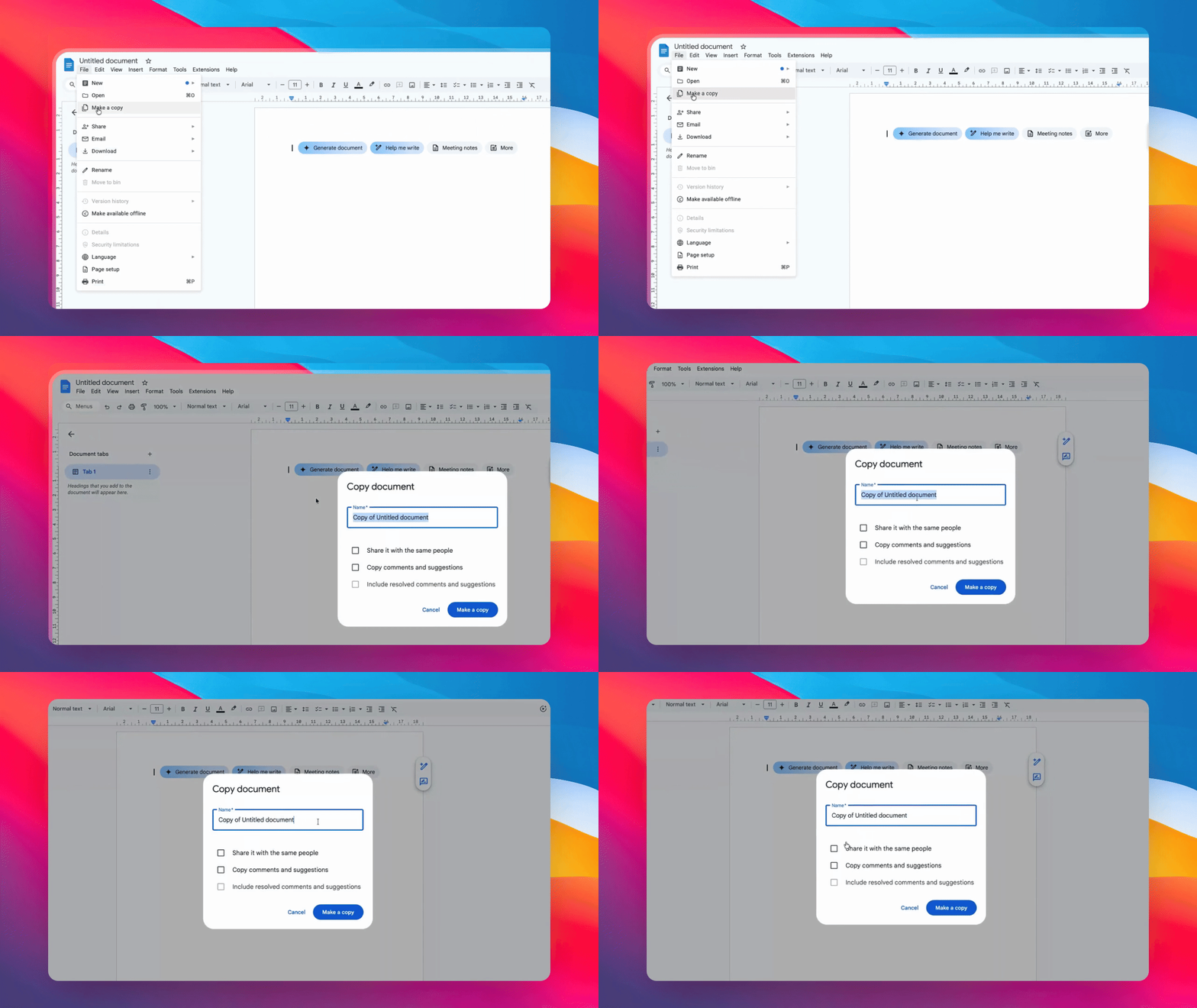
Step 3: Save the Copy
Click Make a Copy to create and save the new version.
Thanks for watching.